Fondues au fromage
ou
Soupe de tomate
ou
Nuggets de poulet sauce ketchup
****
Blanc de volaille, pois carottes et croquettes
ou
Vol au vent et purée
ou
Jambon, frites, salade
****
Boule de glace vanille et chocolat chaud
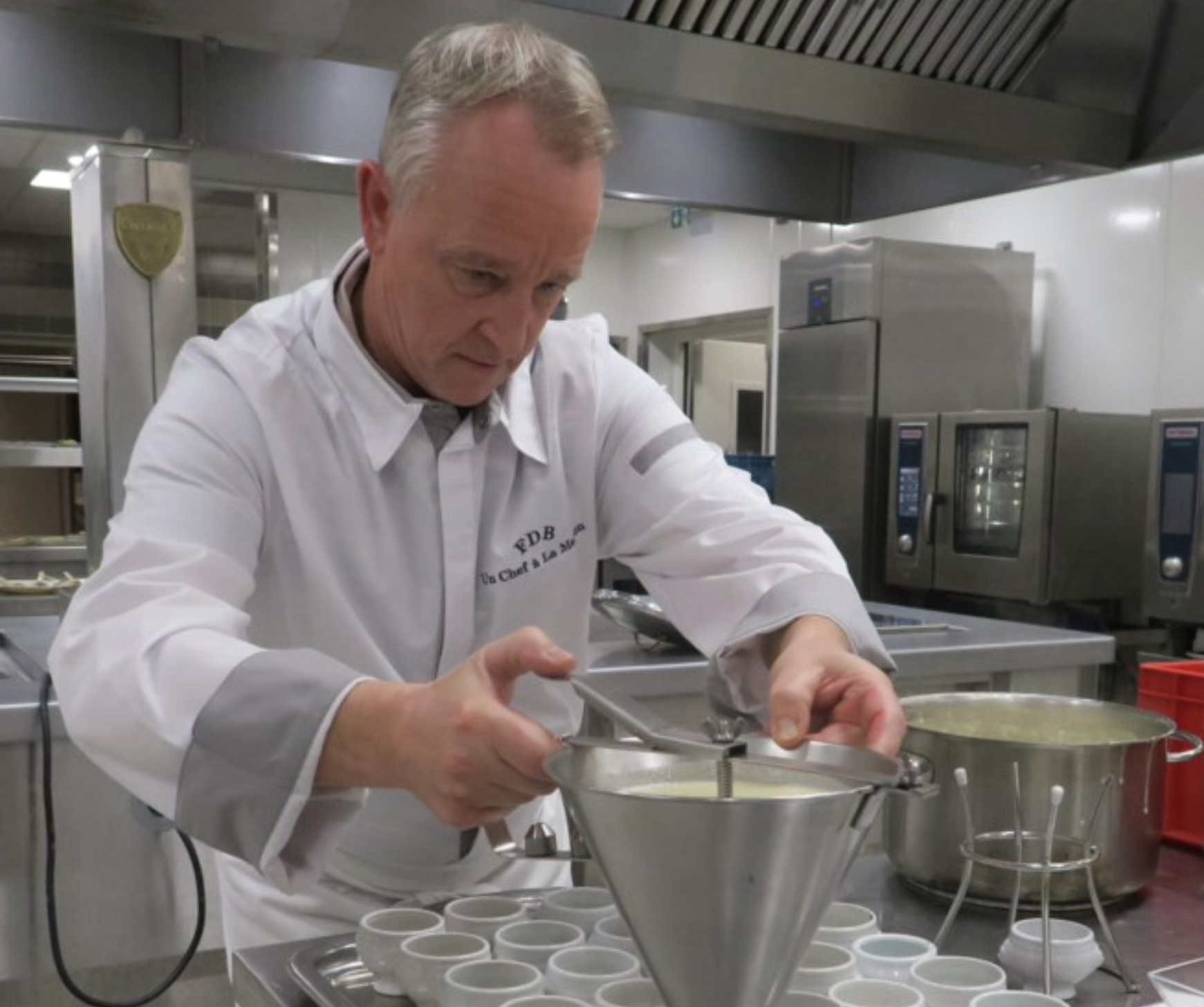
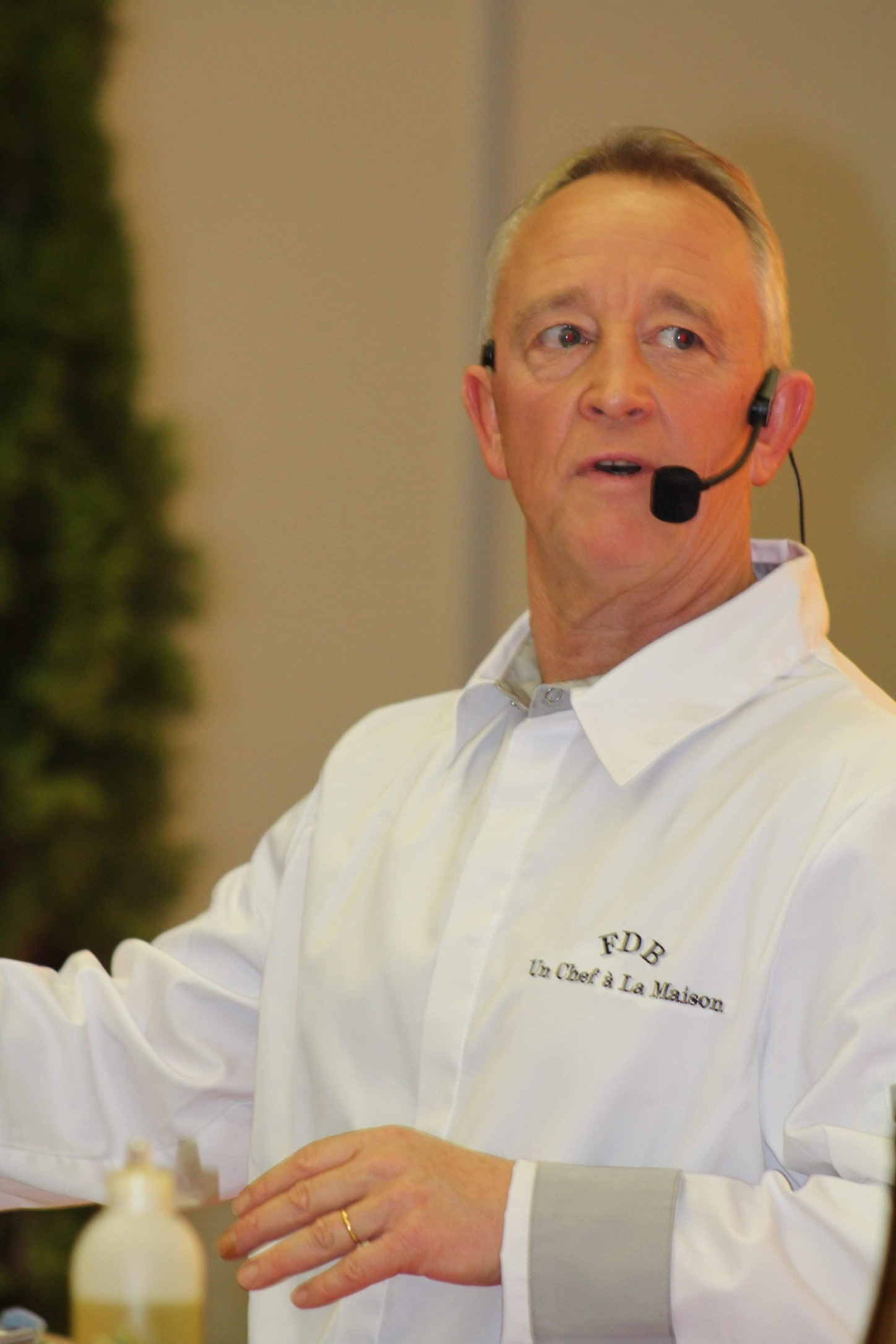

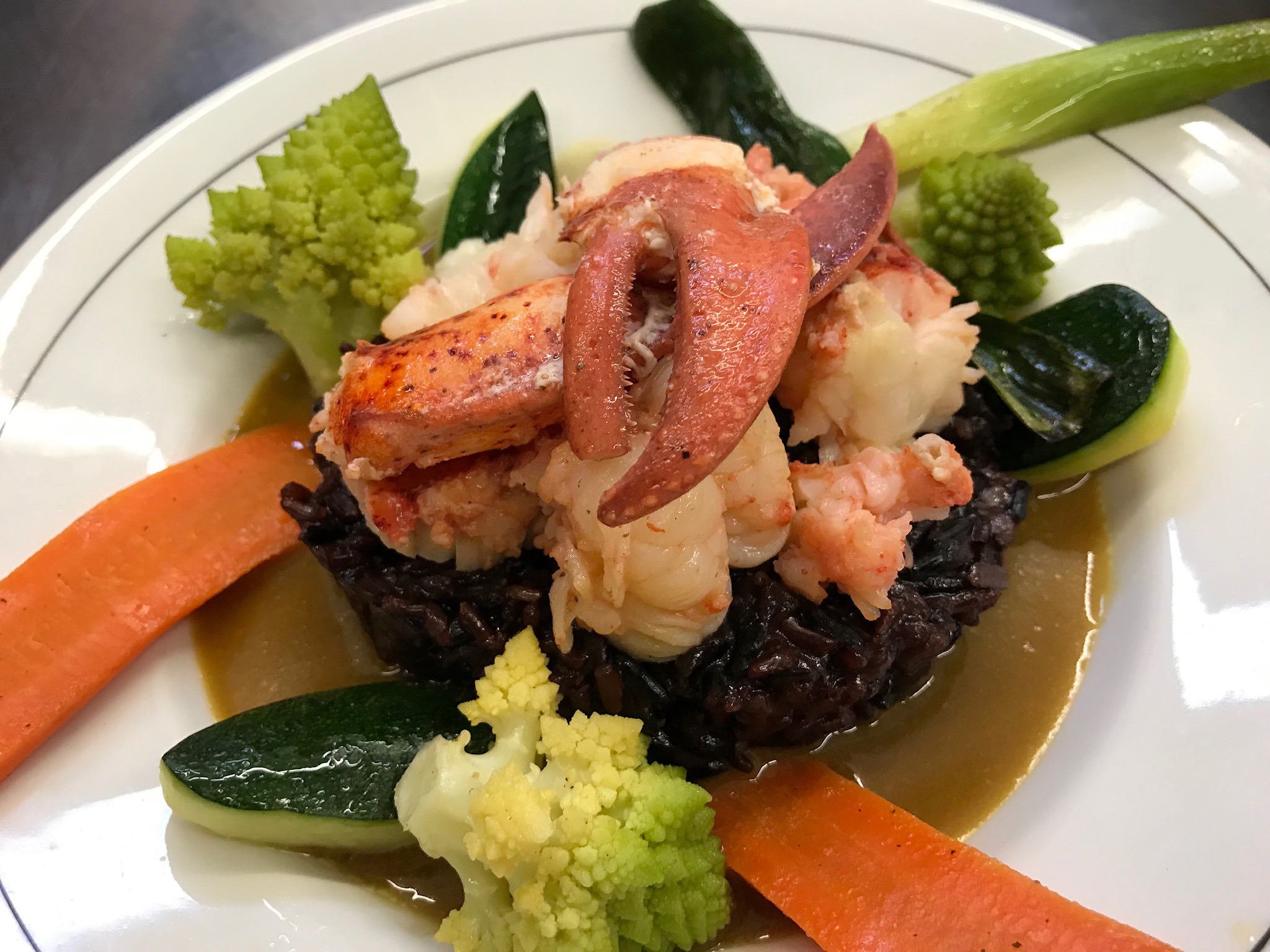
Un professionnel avec une experience de plus de 20 ans qui vous propose un service traiteur et une cuisine savoureuse avec des produits locaux de qualité à des prix très compétitifs.
Des cours de cuisine avec des techniques culinaires accessibles à tous au sein de son atelier
Un chef chez vous, pour vous et vos invités.
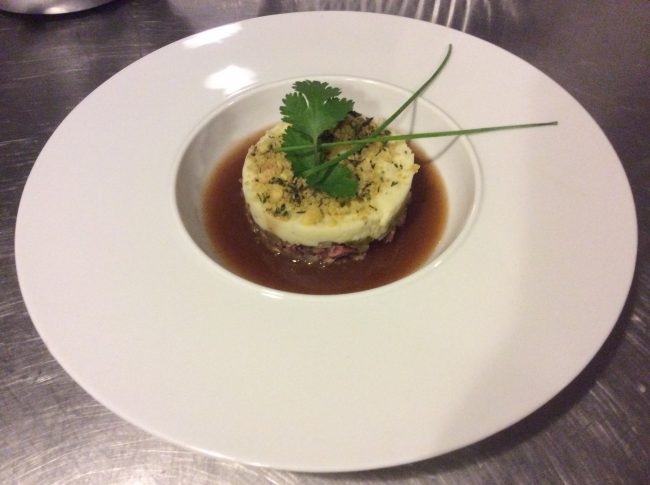
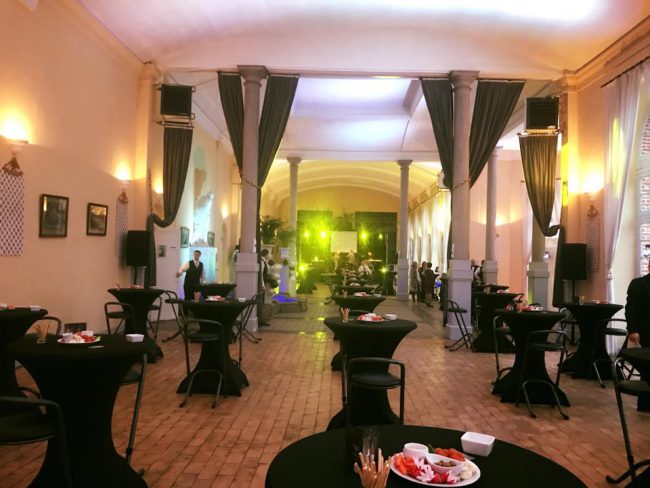
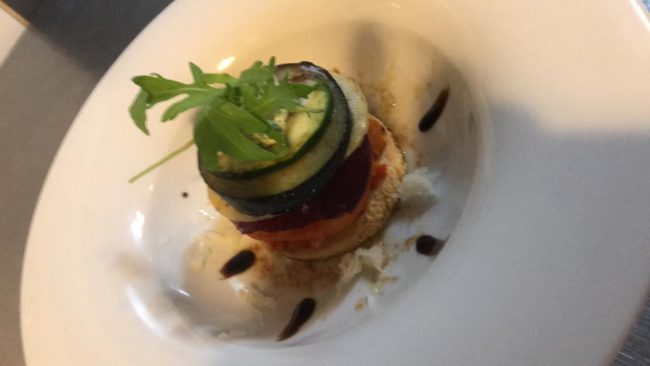
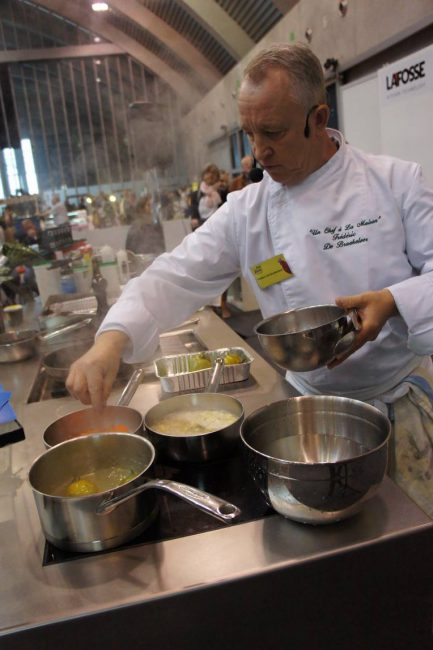
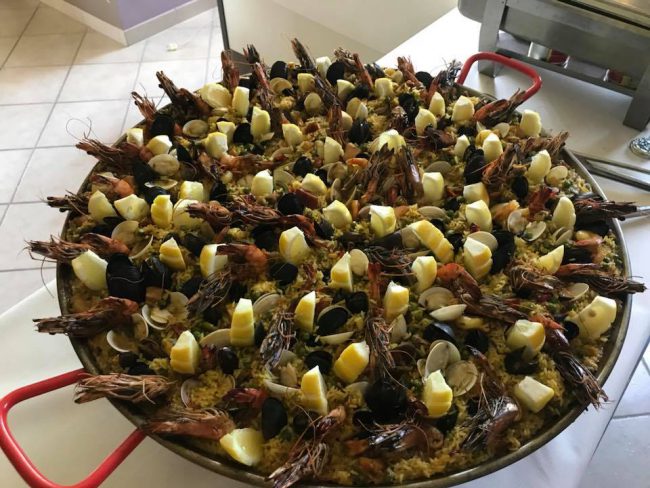
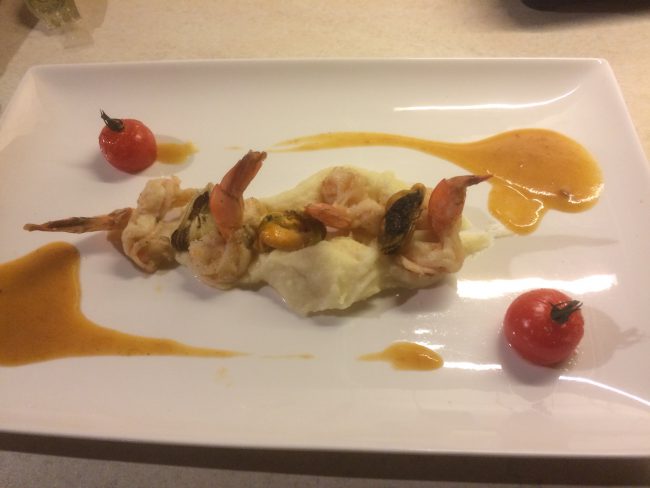
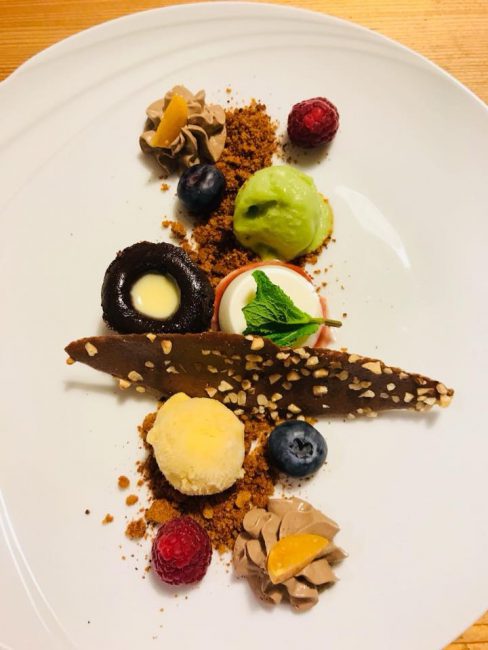
Evènement privé ou professionnel, Frédéric De Braekeleer regorge de créativité. Toujours soucieux de vous fournir le meilleur de lui-même.
Appelez nous +32(0)479/67.35.62
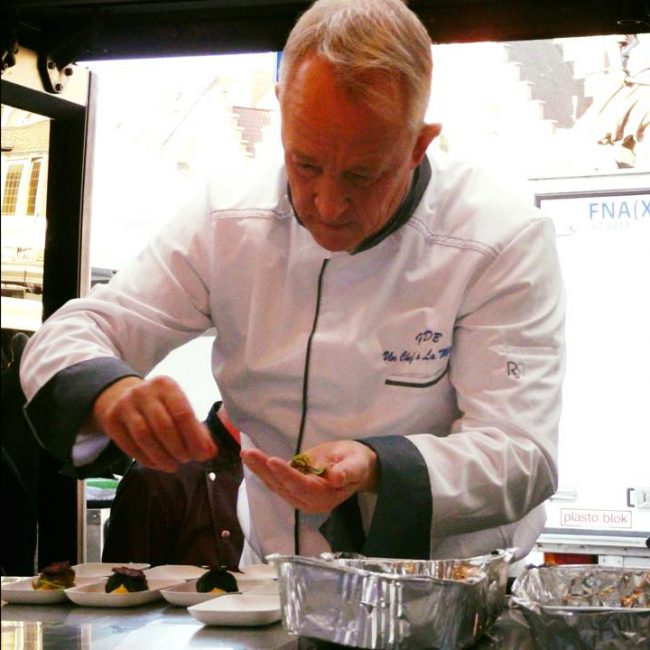
Un chef chez vous, pour vous et vos invités avec la possibilité d’une participation active à la réalisation de votre repas.
Appelez nous +32(0)479/67.35.62
Matériel de réceptions, tables cocktails, assiettes, verres, couverts, structure gonflable pour les enfants, etc…
%9081785385052179%%1481786896647441%%7361787206541596%%8081787466789376%%9061787812336184%%8771788099430427%%8461788450917251%%1951788723016120%%2211789054187256%%6481789315478275%%4611792052355143%%6381792305206525%
Массаж горячими камнями — один из самых популярных видов массажа. У массажа горячими камнями так много преимуществ, что мы рекомендуем вам попробовать его.
Это невероятно успокаивающий и расслабляющий способ отдохнуть, снять стресс и достичь баланса. В этом посте мы описываем методы, кратко излагаем 10 замечательных преимуществ массажа горячими камнями и делимся некоторыми рекомендациями по уходу после процедуры.
там стоун массаж Из нашей статьи
Как следует из названия, массаж горячими камнями предполагает использование нагретых камней. Ваш массажист использует нагретые речные камни или лавовые раковины, поскольку они гладкие и отлично сохраняют тепло. Перед началом массажа специалист использует специальный нагревательный прибор, чтобы нагреть камни до 45-50 °C. Вам не нужно беспокоиться о том, что это слишком жарко или может расплавиться, поскольку профессиональный терапевт гарантирует, что температура будет идеальной и постоянной. Он не будет использовать микроволновую печь или другие способы нагревания камней, так как это приведет к неравномерной или нестабильной температуре. Существует множество различных методов массажа горячими камнями, и некоторые из них зависят от личного терапевта. Как правило, камни располагаются на теле в определенных областях, либо анатомически, либо на энергетических точках, которые, как считается, способствуют улучшению баланса и кровообращения. Помимо того, что камни остаются на месте, терапевт также использует их для выполнения техник шведского массажа, таких как растирание, длинные плавные движения и прокатывание.
Многие люди в восторге от того, насколько чудесно они себя чувствуют после массажа теплыми камнями. Они сообщают об облегчении боли в шее и спине, а также об уменьшении тревожности и напряжения. Безусловно, массаж горячими камнями полезен, хотя для уточнения причин этого необходимы дополнительные исследования. Некоторые из преимуществ массажа теплыми камнями уникальны, в то время как другие, как считается, являются следствием более выраженных преимуществ массажной терапии.
Преимущества массажа теплыми камнями разнообразны и иногда индивидуальны. Вот наши 10 главных:
Одно из важных преимуществ горячих камней заключается в том, что их тепло проникает в ваше тело, обеспечивая множество преимуществ массажа на более глубоком уровне. Это способствует глубокому расслаблению мышц, что позволяет массажисту работать действительно глубоко, без того напряжения, которое потребовалось бы при глубоком массаже тканей.
Тепло — широко известное натуральное обезболивающее средство. Если напряжение сопровождает боль, то тепло может быть значительно эффективнее для снятия напряжения и, следовательно, облегчения боли. Считается, что это происходит потому, что при воздействии тепла на определенную область улучшается кровообращение в этой области. Это может помочь облегчить судороги и позволить суставу или мышцам мягко сгибаться и восстанавливать движение. движение.
Клинически доказано, что массаж, включающий массаж теплыми камнями, снижает тревогу и стресс. Интересно узнать, почему это так. Массаж стимулирует множество процессов. Высвобождаются эндорфины и другие гормоны хорошего настроения, которые снижают стресс и тревогу. В то же время снижается уровень гормонов стресса и тревоги, таких как норадреналин и кортизол.
Одно из существенных преимуществ массажа горячими камнями заключается в том, что он помогает погрузиться в более глубокий расслабляющий и восстанавливающий сон. Безусловно, одно исследование показало, что массаж особенно полезен для облегчения бессонницы у женщин в постменопаузе. Необходимо провести гораздо больше исследований о пользе массажа горячими камнями для сна, но, безусловно, он способствует хорошему сну у всех, кого мы знаем!
Многие техники, используемые в шведском массаже, также используются в массаже горячими камнями. Что примечательно, шведский массаж, как было показано, положительно влияет на вашу иммунную систему даже после всего одного сеанса. Осознание того, что вы можете повысить свой иммунитет, просто наслаждаясь заботой и массажем, замечательно. Понимаю!
Для людей с хроническими болями, такими как фибромиалгия, массажная терапия, как было показано, оказывает ощутимое положительное воздействие. Наука показывает, что это связано с более низким уровнем фосфата P, который частично передает организму сигналы боли. Другие исследования показали, что люди с болезненным ревматоидным артритом также испытывали меньше боли.
Шведский массаж, который входит в состав массажа горячими камнями, действительно помогает людям с раком справляться с симптомами своего заболевания. От уменьшения тошноты и депрессии до снижения боли и усталости — это показывает, что бережный массаж может помочь людям облегчить некоторые из симптомов рака.
Многие специалисты по массажу горячими камнями считают, что один из истинных преимуществ Одной из особенностей этого вида массажной терапии является ее способность выводить токсины на поверхность кожи и удалять их посредством естественного процесса потоотделения. Это приводит к чудесному сиянию кожи.
Будь то из-за баланса кровообращения или других менее известных процессов в мозге и теле, массаж теплыми камнями может восстановить равновесие, и многие считают, что он способствует самовосстановлению.
После массажа теплыми камнями мы рекомендуем следовать нашим рекомендациям по уходу после массажа. В частности, пейте много воды, так как тепло может вызвать потоотделение и сухость. Кроме того, выведение токсинов лучше всего контролируется промыванием организма водой. Массаж теплыми камнями не рекомендуется беременным женщинам, людям с сахарным диабетом, гипертонией или принимающим препараты, разжижающие кровь.